Baby Heartbeat Sound Wave Art
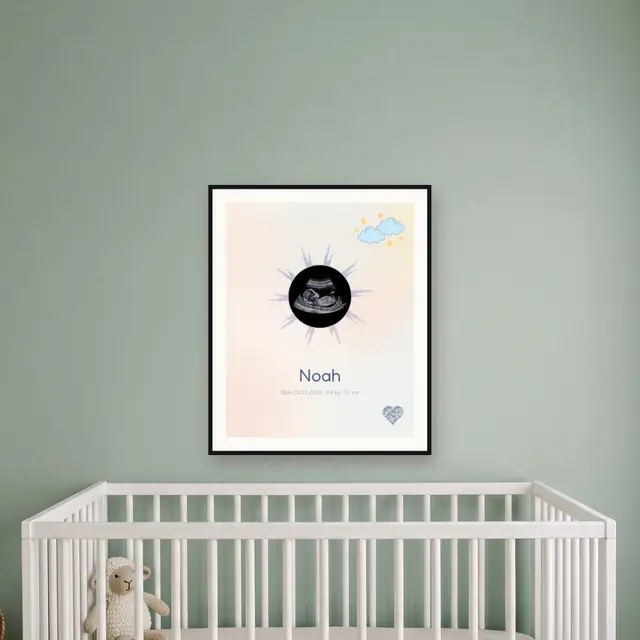
Starting at$9.00Turn an ultrasound heartbeat, a first cry, or a lullaby into nursery art. Download a print-ready file and add a QR code so grandparents can hear it.
How does it work?More ideas: sound wave art gift ideas.
That first heartbeat. Their first cry. A lullaby you sang every night. Those sounds become a keepsake for the nursery or a gift for the grandparents.
Getting the heartbeat recording
- Ask first: many clinics allow a phone recording of the heartbeat during the scan. Some do not, so check with your sonographer or midwife.
- If you filmed the scan, upload the audio from that video. On a computer, many video players can export the sound as an audio file.
- Pick a clean 10 to 30 second part with steady beats and little talking.
- Other sounds work too: the first cry, first laugh, or a lullaby.
Not a medical record
Sound wave art is decoration. It is not a medical image and cannot show anything about your baby’s health. For questions about the scan, ask your doctor or midwife.
How to make it in WaveVisual
- Upload the heartbeat file or the scan video’s audio.
- Trim it to the steady part.
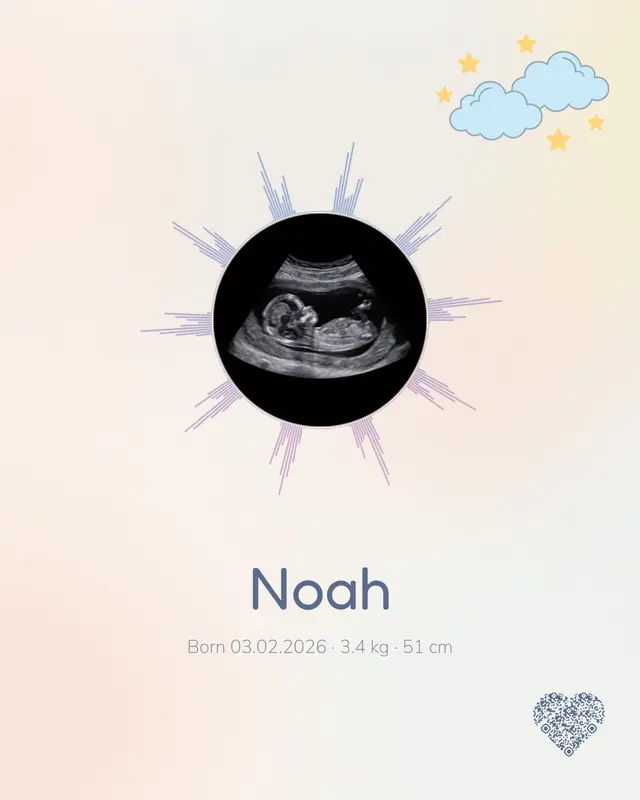
- Pick a wave style. A circle wave with the scan image or a newborn photo in the middle makes a nursery piece.
- Add the name, the due date or birth date, and the weight.
- Add the QR code so family can hear the heartbeat.
- Download PNG, JPG, PDF, or SVG at 300 DPI.
Let the grandparents hear it
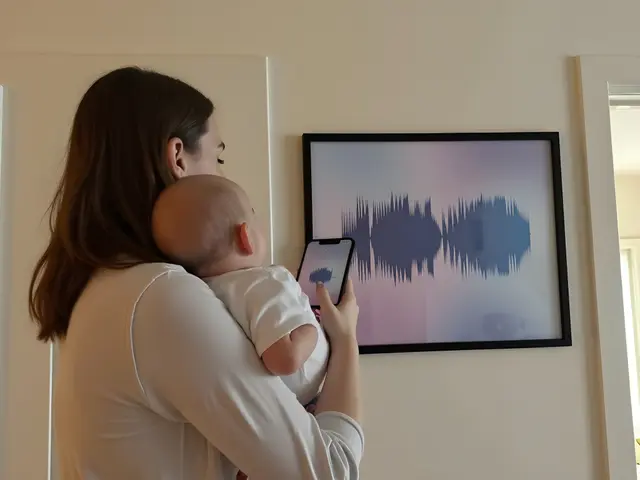
Add the QR code from the QR Code tab in the editor and place it on the design. Any phone camera can scan it, with no app. Choose where the scan goes: your uploaded or recorded audio, the song on Spotify, a page with your design, or any link you type. To play your own recording, the audio is stored with your design.
Sizes and printing
Nursery frames are often 20 × 25 cm (8 × 10 in) or A4. A set of three, heartbeat, first cry, and a lullaby, works at 28 × 36 cm (11 × 14 in).
WaveVisual exports up to 12000 px at 300 DPI, so a design stays sharp up to 100 × 100 cm. WaveVisual does not print or ship. You take the file to a print shop, upload it to an online printer, or print it at home.
| Print size | Pixels at 300 DPI | Good for |
|---|---|---|
| 13 × 18 cm (5 × 7 in) | 1500 × 2100 | Desk frame, card insert |
| 20 × 25 cm (8 × 10 in) | 2400 × 3000 | Shelf or nursery frame |
| A4 (21 × 29.7 cm) | 2480 × 3508 | Home printer |
| 28 × 36 cm (11 × 14 in) | 3300 × 4200 | Standard wall frame |
| A3 (29.7 × 42 cm) | 3508 × 4961 | Wall frame |
| 41 × 51 cm (16 × 20 in) | 4800 × 6000 | Above a bed or sofa |
| 50 × 70 cm | 5906 × 8268 | Large poster |
| 100 × 100 cm | 11811 × 11811 | Largest WaveVisual size |
Matte paper hides reflections behind glass. A PDF or SVG keeps the wave as vector lines, which a print shop or a laser engraver can scale to any size.
Gift ideas
- A pregnancy announcement card with the heartbeat wave and the QR code.
- A print for each grandparent.
- A first-birthday print with the heartbeat and the first laugh side by side.
Perfect gift for every occasion
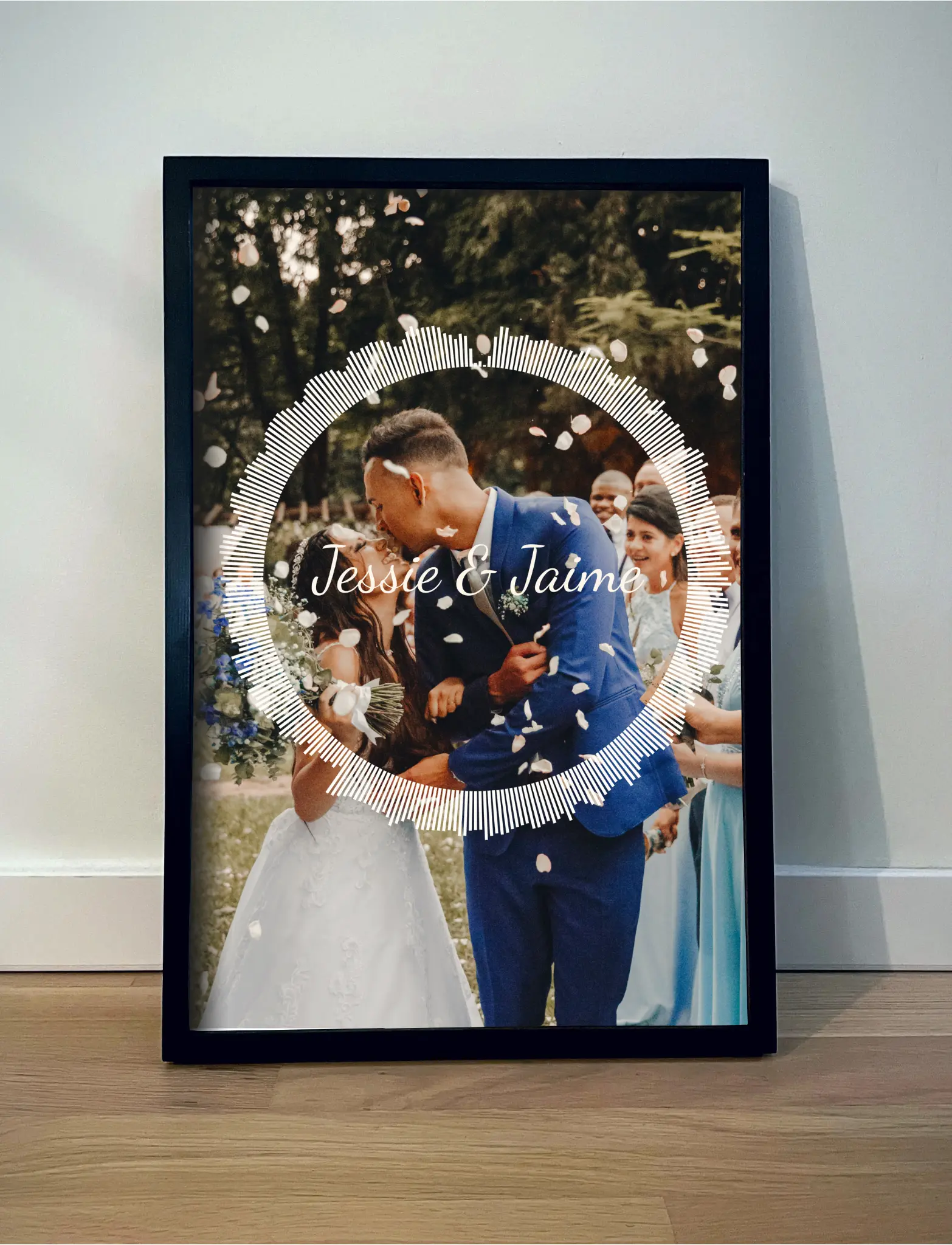
Wedding Memories
Capture your first dance song or wedding vows as a beautiful piece of art. Create a lasting memory of your special day that you can both see and hear.
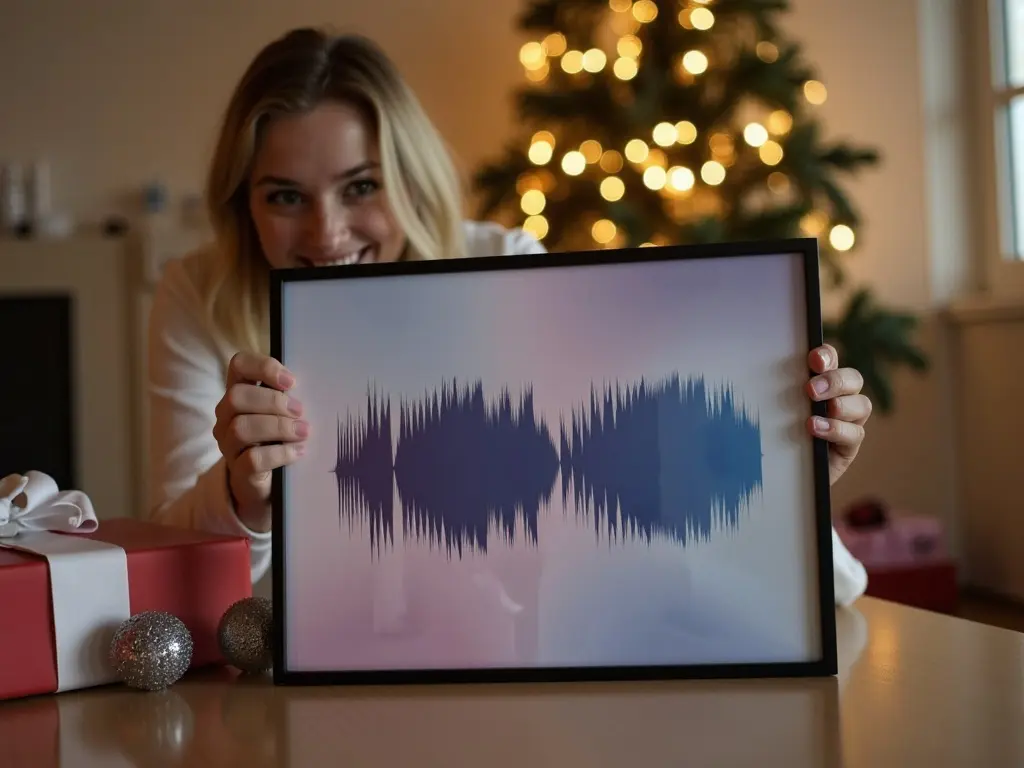
Anniversary Gift
Transform your shared favorite song into a stunning visual piece. Add a personal touch with custom colors and styles that match your home décor.
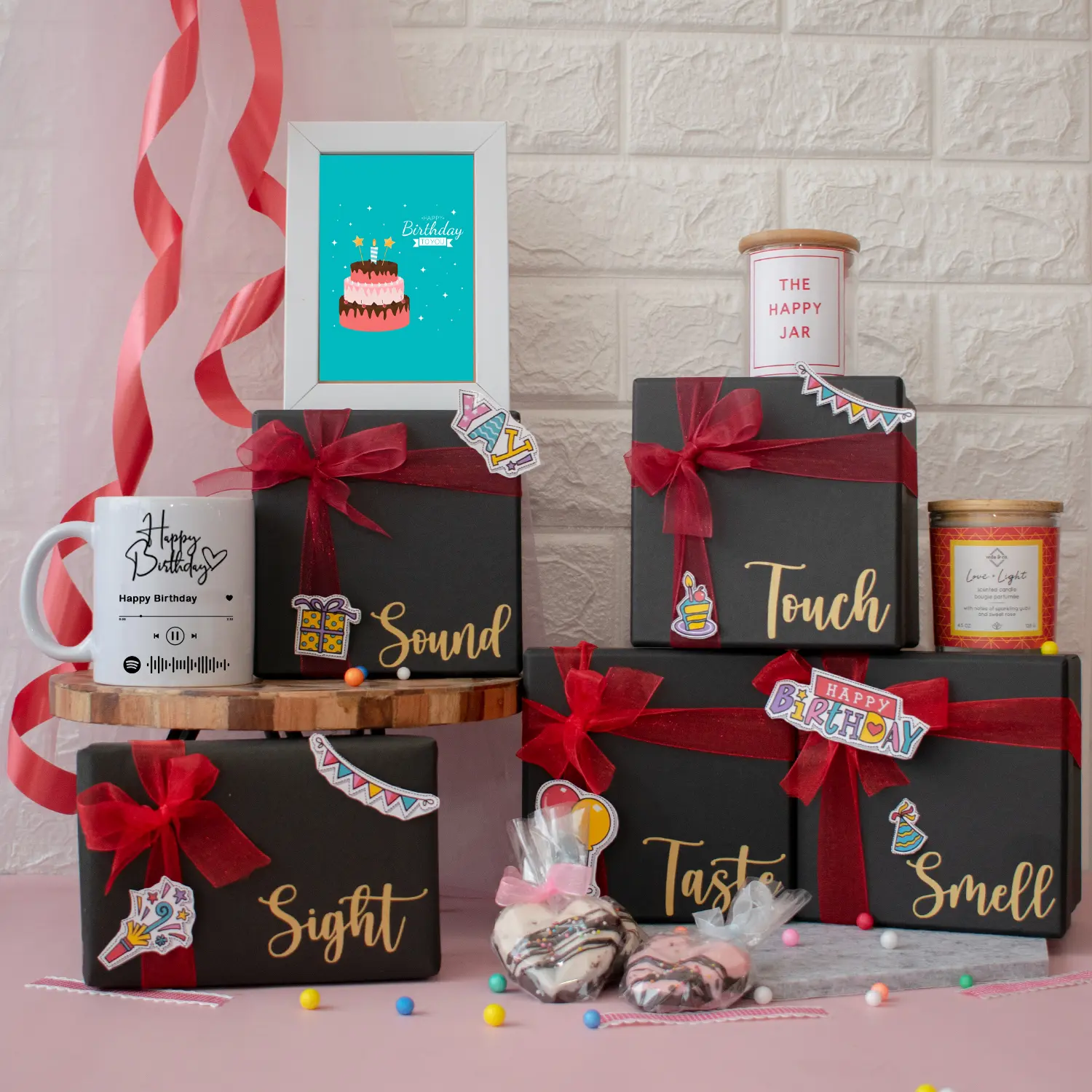
Birthday Gift
Give them the song that defined their year or the one that's always been theirs. A personalized sound wave print is a thoughtful, one-of-a-kind gift they'll actually keep.
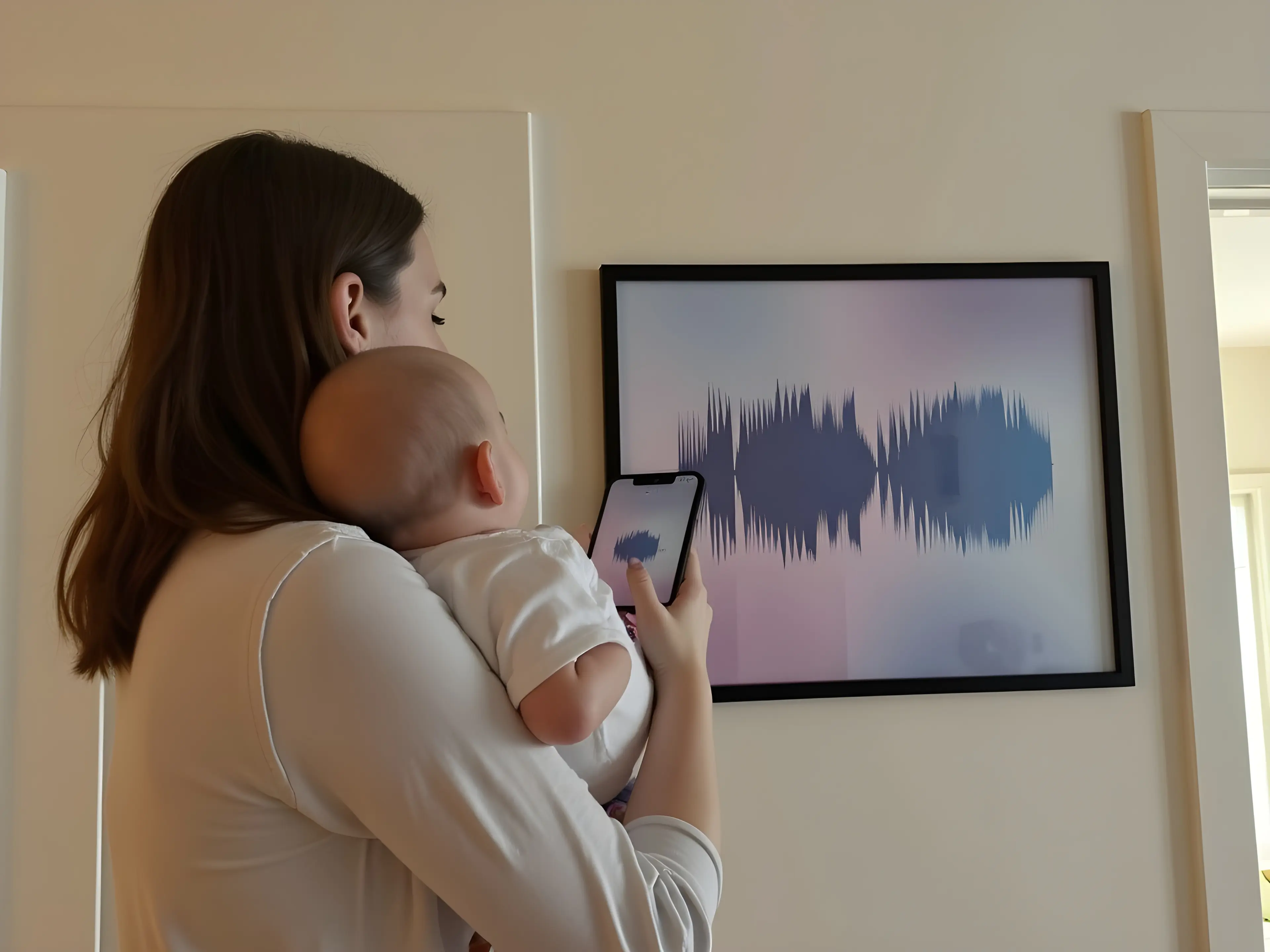
Personal Memories
Preserve precious voice messages, baby's first words, or favorite music as elegant wall art. Choose between horizontal or circular designs to match your style.
How Does It Work?
Create personalized sound wave art from your favorite audio moments. Upload your own audio, record directly, or choose from millions of songs on Spotify. Make it truly unique with our customization tools and bring your sound memories to life.
1. Choose Your Audio Source
Upload an audio file, record directly, or select your favorite song from Spotify. We support various formats including MP3, WAV, and M4A to create your unique soundwave art.
2. Design Your Sound Wave Art
Customize every aspect of your sound wave - from wave style and colors to size and orientation. Choose between horizontal or circular designs, and add optional QR codes for playback.
3. Bring Your Sound to Life
Download your design as a high-resolution, print-ready file and print it anywhere. Scan the QR code or the sound wave itself using our app to instantly play the original audio. Perfect for home decor or as a meaningful gift.