Voice Message Sound Wave Art
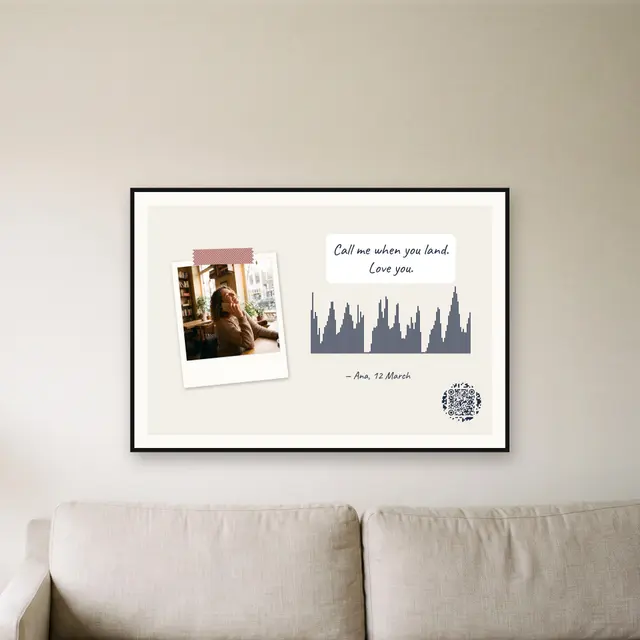
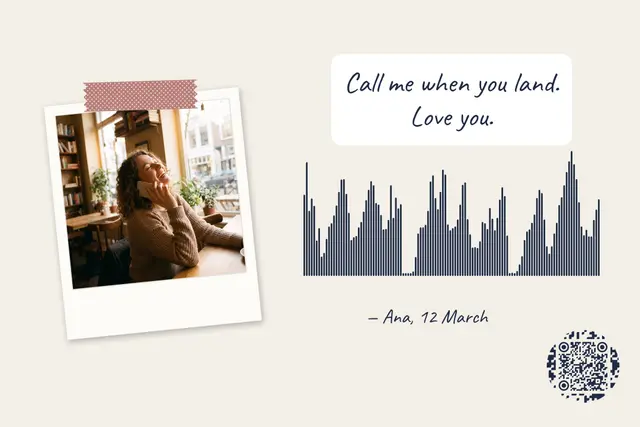
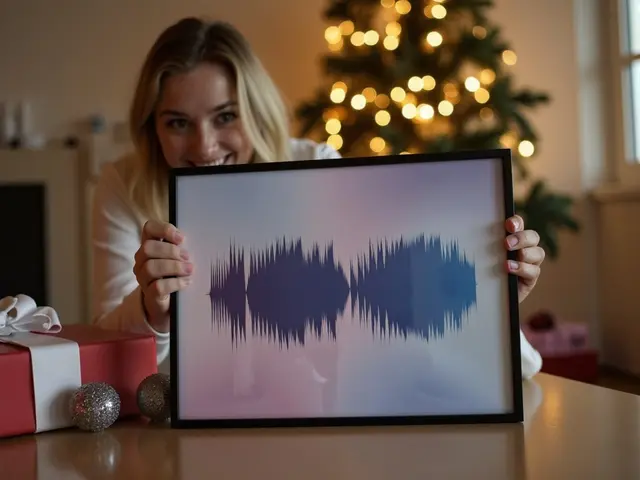
Starting at$9.00Turn a voice note, a voicemail, or a laugh into art you can see and hear. The wave shows the voice; the QR code plays it on any phone camera.
How does it work?More ideas: sound wave art gift ideas.
Some voices you want to keep exactly as they are: a “good morning” from far away, a child saying your name, a laugh you know from the next room. The wave is their portrait. The QR code lets you hear it again.
Which recordings work
- Length: 5 to 30 seconds. A short message gives a wave with clear shape.
- One voice, one clear sentence: “I love you”, a name, a birthday wish.
- Laughter and a voice from a saved voicemail work well too.
- Quiet background. Wind and traffic make the wave noisy.
Voicemails and chat voice notes can be deleted when you change phones or accounts. Save a copy of the file before you start, in your files or in the cloud.
How to get the audio off your phone
- iPhone Voice Memos: open the memo, tap Share, then Save to Files. Upload that file in WaveVisual.
- iPhone voicemail: open the voicemail, tap Share, then save or send it to yourself.
- WhatsApp: press and hold the voice note, tap Share (Android) or Forward > Share (iPhone), and save the file. Telegram and Signal have similar share options.
- Android recorder apps: share or export the recording as a file.
- If a voicemail cannot be exported, play it on speaker in a quiet room and record it with the Record button in WaveVisual.
WaveVisual accepts MP3, WAV, M4A, and other common audio formats.
Design for a voice
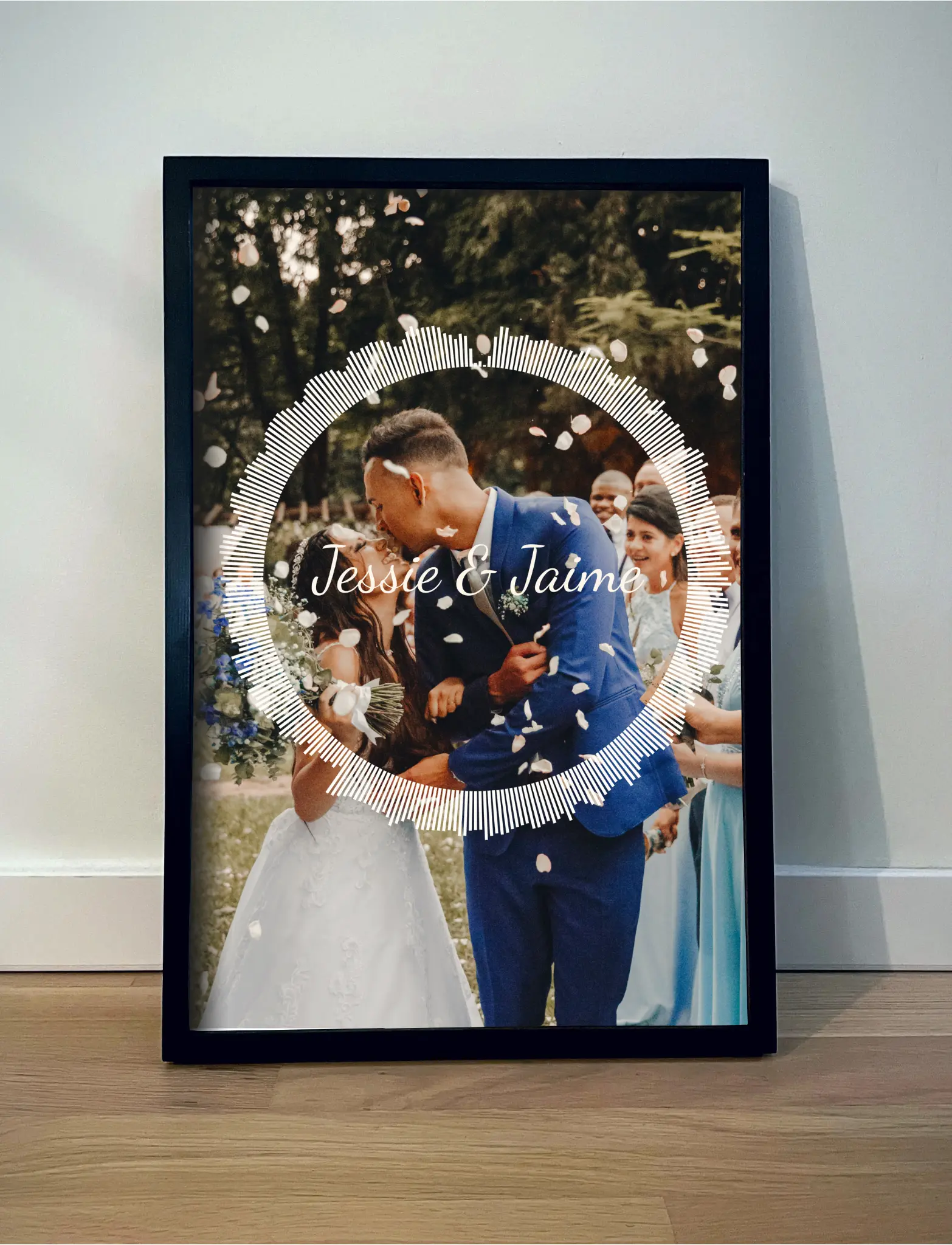
Speech has short bursts and pauses, so bar and dot waves show the words clearly. Keep the text short: a name, a date, or the words of the message. A circle wave with a photo of the person in the middle makes a portrait. Use a photo you have the right to use.
Make it playable with a QR code
Add the QR code from the QR Code tab in the editor and place it on the design. Any phone camera can scan it, with no app. Choose where the scan goes: your uploaded or recorded audio, the song on Spotify, a page with your design, or any link you type. To play your own recording, the audio is stored with your design.
Privacy
When you upload or record a voice message, the file is stored with your design. That is how the QR code can play it later. Anyone who scans a QR code set to the audio can hear the message. If you only want the picture, do not add the QR code, or point it to the design page instead.
Gift or keepsake
A voice message makes a birthday gift for a friend far away, a Mother’s Day or Father’s Day gift from the kids, or a long-distance anniversary print. If the voice belongs to someone who has died, see the memorial page for design ideas.
Sizes and printing
A voice wave is short and wide, so a landscape 20 × 25 cm (8 × 10 in) or A4 print works well. A circle wave fits a square frame.
WaveVisual exports up to 12000 px at 300 DPI, so a design stays sharp up to 100 × 100 cm. WaveVisual does not print or ship. You take the file to a print shop, upload it to an online printer, or print it at home.
| Print size | Pixels at 300 DPI | Good for |
|---|---|---|
| 13 × 18 cm (5 × 7 in) | 1500 × 2100 | Desk frame, card insert |
| 20 × 25 cm (8 × 10 in) | 2400 × 3000 | Shelf or nursery frame |
| A4 (21 × 29.7 cm) | 2480 × 3508 | Home printer |
| 28 × 36 cm (11 × 14 in) | 3300 × 4200 | Standard wall frame |
| A3 (29.7 × 42 cm) | 3508 × 4961 | Wall frame |
| 41 × 51 cm (16 × 20 in) | 4800 × 6000 | Above a bed or sofa |
| 50 × 70 cm | 5906 × 8268 | Large poster |
| 100 × 100 cm | 11811 × 11811 | Largest WaveVisual size |
Matte paper hides reflections behind glass. A PDF or SVG keeps the wave as vector lines, which a print shop or a laser engraver can scale to any size.
Perfect gift for every occasion
Wedding Memories
Capture your first dance song or wedding vows as a beautiful piece of art. Create a lasting memory of your special day that you can both see and hear.
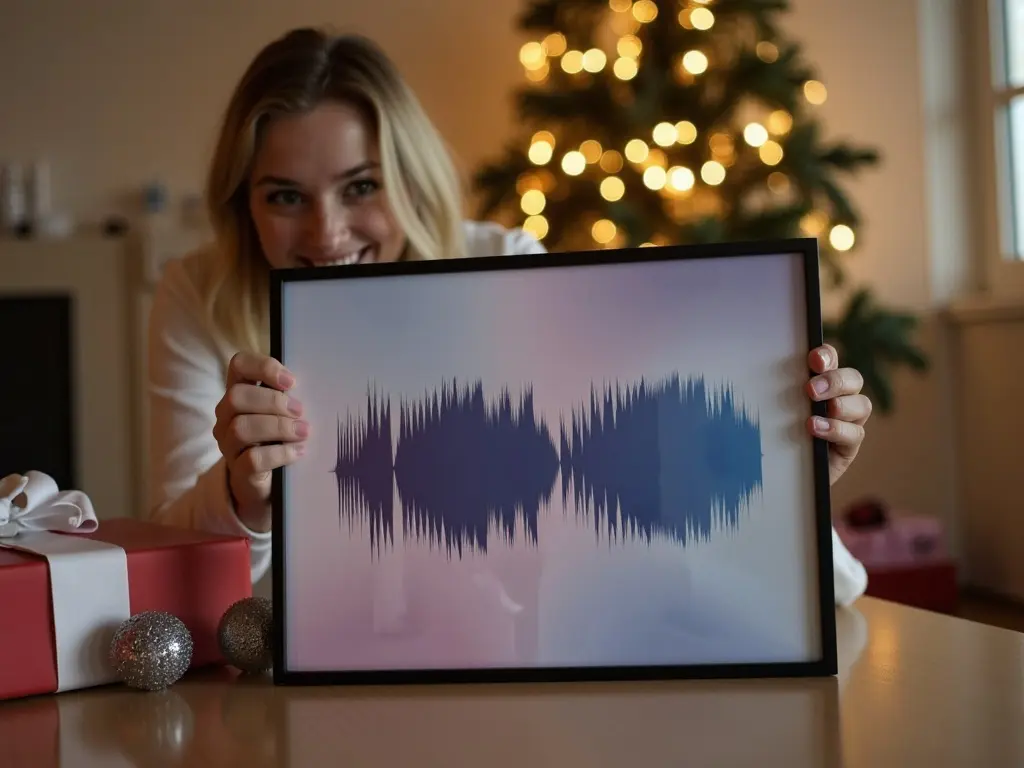
Anniversary Gift
Transform your shared favorite song into a stunning visual piece. Add a personal touch with custom colors and styles that match your home décor.
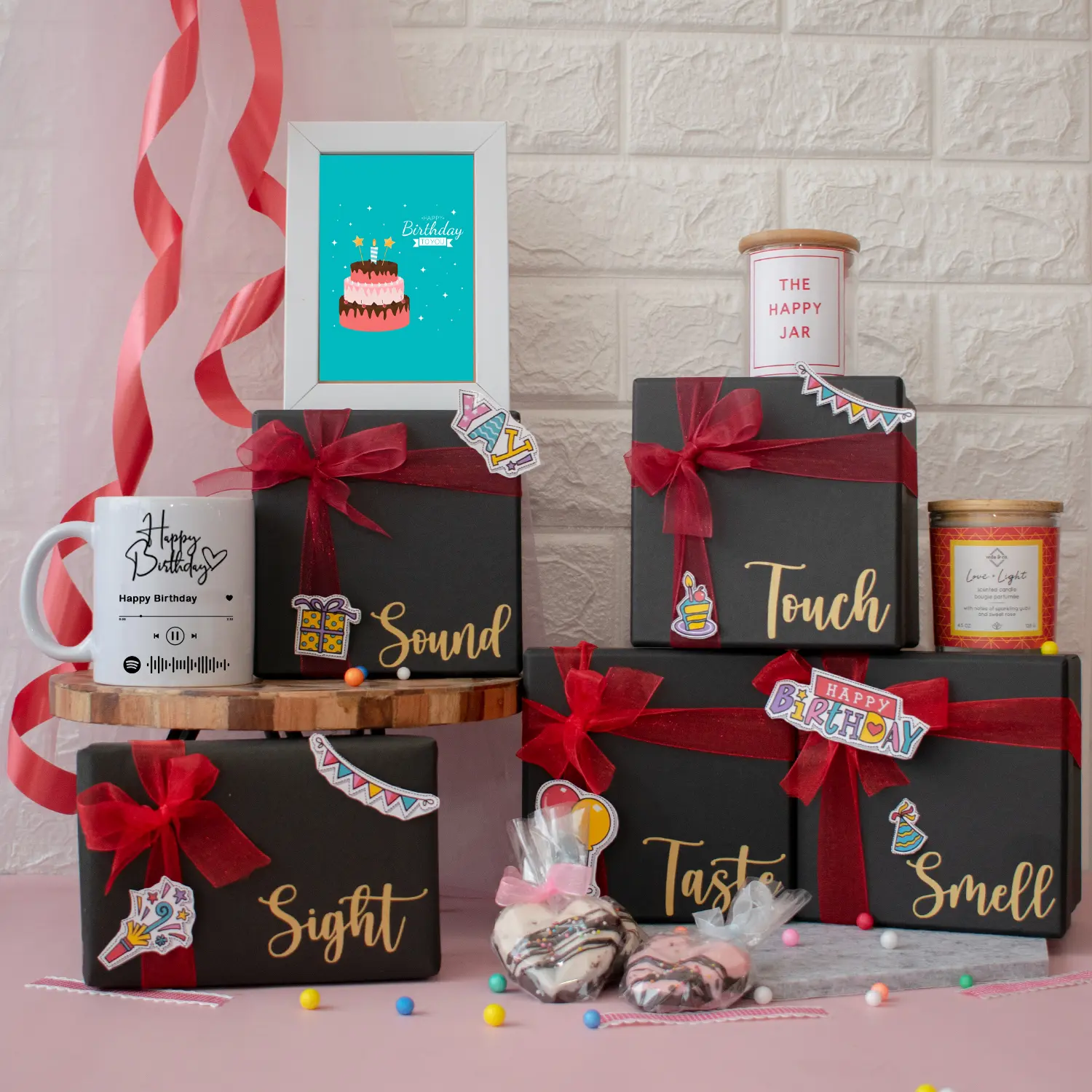
Birthday Gift
Give them the song that defined their year or the one that's always been theirs. A personalized sound wave print is a thoughtful, one-of-a-kind gift they'll actually keep.
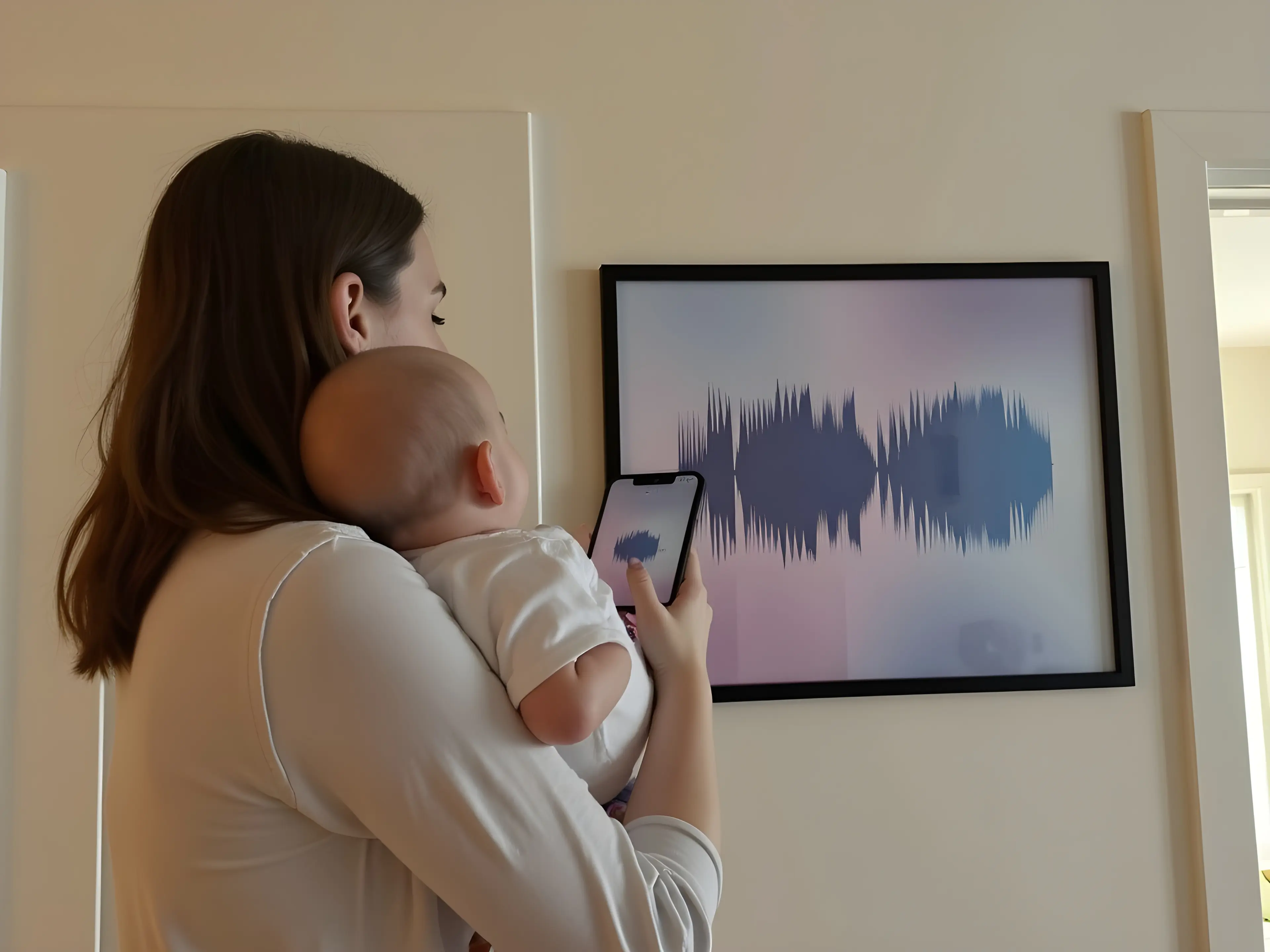
Personal Memories
Preserve precious voice messages, baby's first words, or favorite music as elegant wall art. Choose between horizontal or circular designs to match your style.
How Does It Work?
Create personalized sound wave art from your favorite audio moments. Upload your own audio, record directly, or choose from millions of songs on Spotify. Make it truly unique with our customization tools and bring your sound memories to life.
1. Choose Your Audio Source
Upload an audio file, record directly, or select your favorite song from Spotify. We support various formats including MP3, WAV, and M4A to create your unique soundwave art.
2. Design Your Sound Wave Art
Customize every aspect of your sound wave - from wave style and colors to size and orientation. Choose between horizontal or circular designs, and add optional QR codes for playback.
3. Bring Your Sound to Life
Download your design as a high-resolution, print-ready file and print it anywhere. Scan the QR code or the sound wave itself using our app to instantly play the original audio. Perfect for home decor or as a meaningful gift.