Your music deserves a video.
Make one in minutes.
YouTube needs a video file — not just a mastered WAV. Upload your track, add cover art, and export a waveform visualizer that looks right at home next to official releases. For how-tos and updates, visit the WaveVisual blog.
Why a waveform video matters
YouTube expects video
Channel uploads are video-first. Pairing your audio with a simple visual gets you a file you can publish everywhere YouTube expects MP4.
Motion stands out in feeds
A moving waveform or spectrum read catches the eye while someone scrolls — especially when your hook hits in the first few seconds.
Release-ready polish
Cover art plus a synced visualizer reads like a finished promo clip, not a raw work-in-progress.
Pick a visualizer style
Three starting points — each syncs to your master in real time.
Spectrum
Frequency bars react to bass, mids, and highs in real time.
Timeline
A playhead sweeps across your waveform as the audio plays.
Circular
A radial waveform that pulses with the beat of your audio.
Also for podcasts
Real exports from our editor: a clip from the episode, word-by-word captions, and a waveform that moves with the voice. Tap a clip to hear it.
Small Hours
Vertical clip with video background
Stock footage behind the host, word-by-word captions, and a waveform that moves with the voice. Made for Reels, TikTok, and Shorts.
Long Distance
Square clip with a circular waveform
A waveform that circles your cover art, with captions in a serif type. Made for the Instagram and Facebook feed.
Monday Margin
Wide clip for YouTube and LinkedIn
Episode title, captions in your brand color, and a full-width waveform on a clean background.
From track to upload-ready MP4
Built for musicians who want a visualizer without learning After Effects.
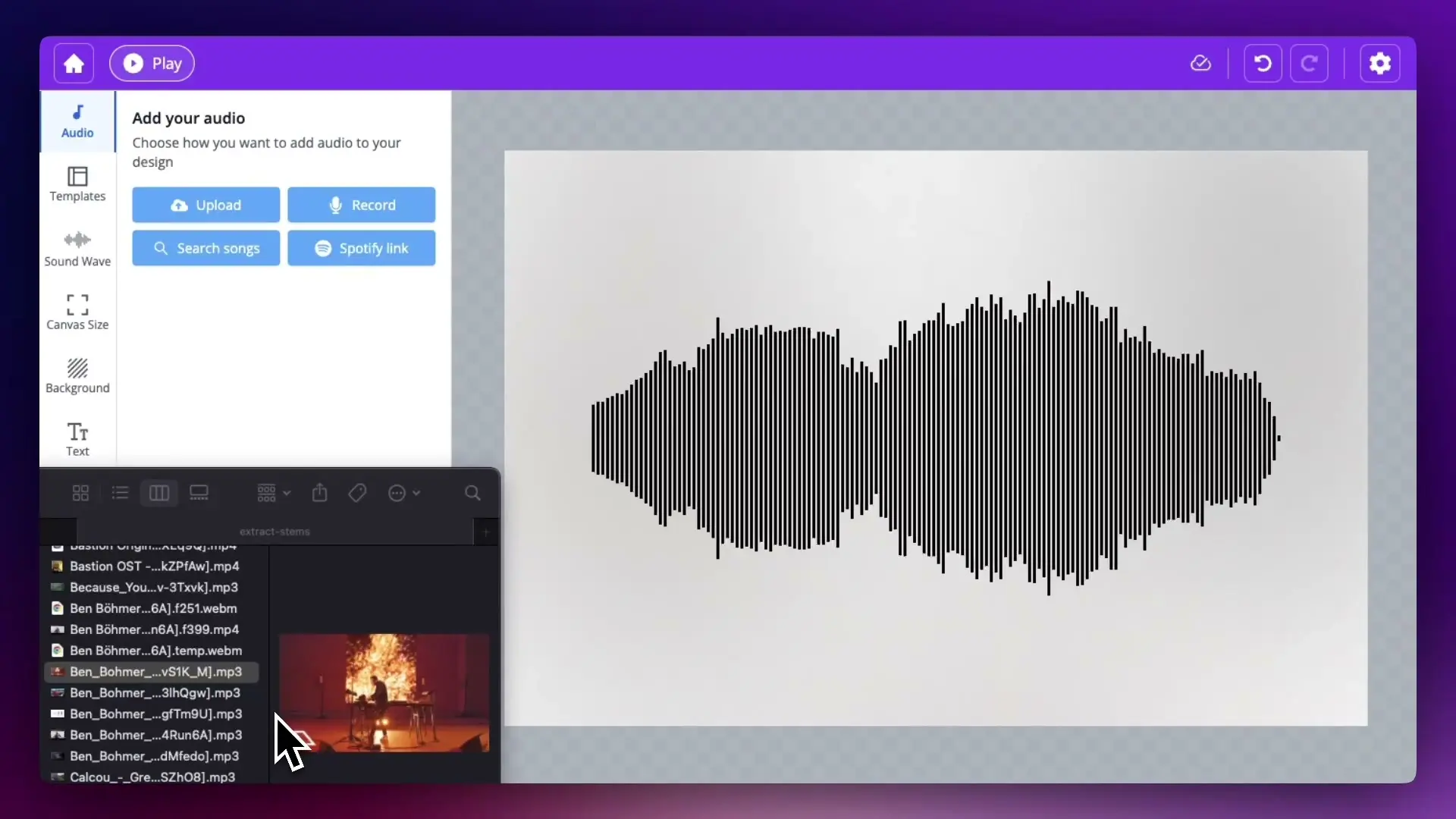
Upload your track
Drop in a WAV, MP3, or search Spotify where supported.
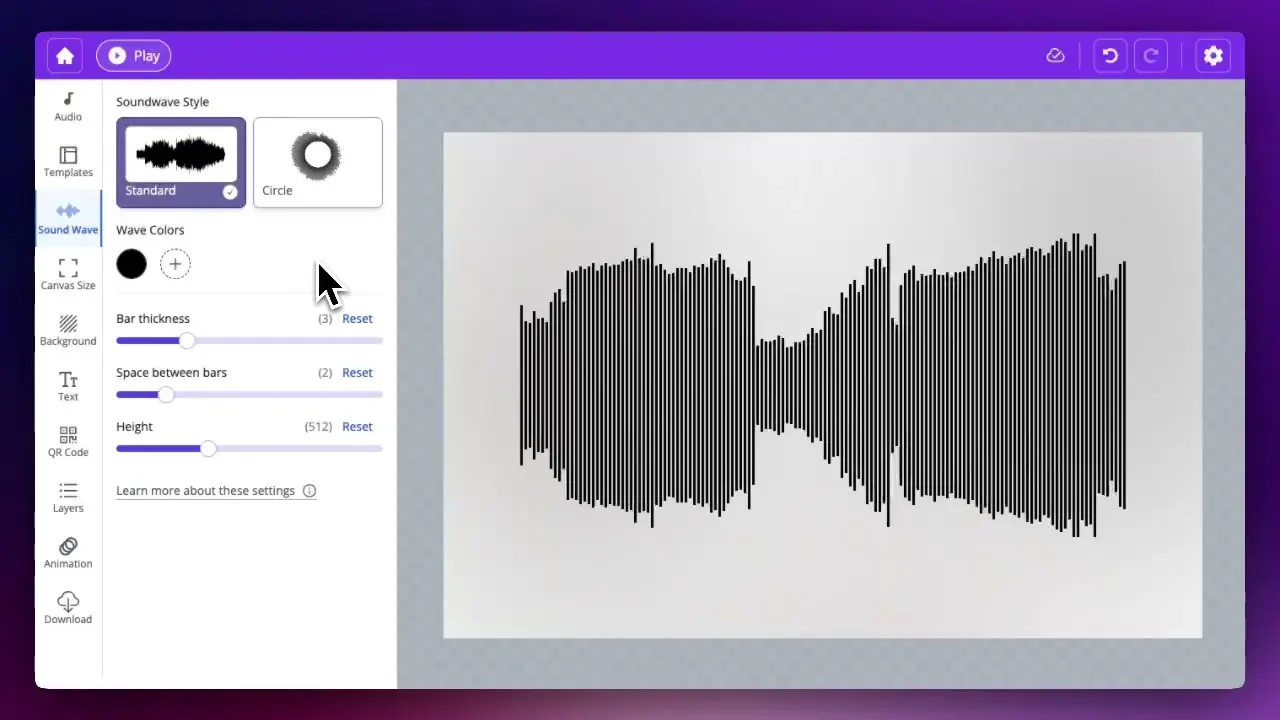
Add album art + pick a style
Choose waveform style, colors, and background — including your artwork.
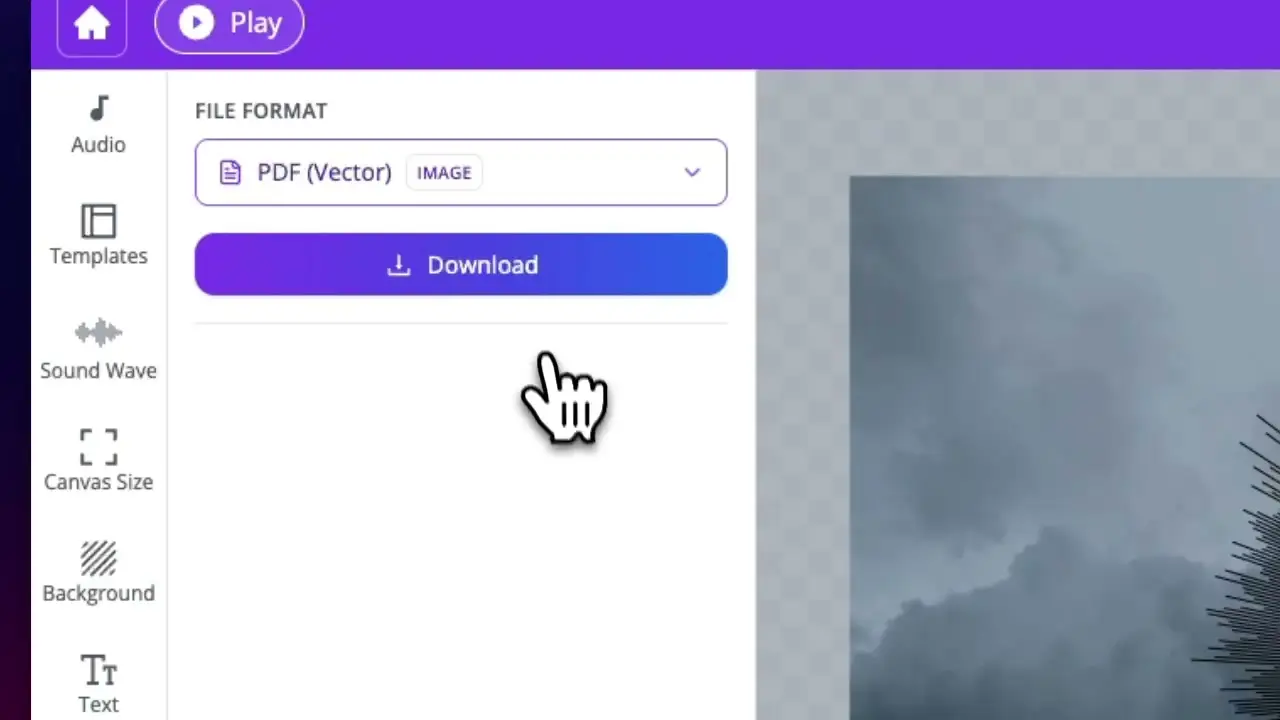
Export for YouTube
Download 16:9 for YouTube or 1:1 / 9:16 for social — 1080p MP4 at 60fps.
The "official visualizer" look
Listeners are used to seeing cover art plus a moving waveform on major releases. With WaveVisual you can match that presentation as an independent artist — same polish, no production house required.
One project, every format
Export the aspect ratio each network prefers — including vertical cuts for Canvas-style workflows.
Frequently asked questions
Help articles: audio sources and Spotify · video export (formats and licensing)
Pricing
One-off
Single order
$9.00 / design
- Maximum image quality for printing (300 DPI)
- Link and QR code to your audio and sound wave
- All file formats (PNG, JPG, SVG, PDF, MP4 at 60fps, GIF, WEBM, MOV)
- Commercial license
Best value
Subscription
Unlimited
$29/ month
- Everything included in Single order
- Unlimited* digital orders per month
- Videos with transparent-background overlays
Pay-as-you-go
Credit pack
$39 · 100 credits
$0.39 per design · volume discount
- Everything included in Single order
- Credits never expire
- 1 credit = 1 design
- Volume discount built in
Upload your track and make your first video free
Preview the full visualizer in your browser. Export when you love the look.
Open the editorExplore more
See the full sound wave video toolkit, or promote spoken-word clips with our audiogram maker.