Audiograms
with full control of the design
Your show has a look. Make the audiogram match it. Podsqueeze writes transcripts and show notes, and turns episode chapters into clips and audiograms. WaveVisual is a Podsqueeze alternative where you design the audiogram yourself, add captions, and export MP4, GIF, WebM, or MOV.
Start Designing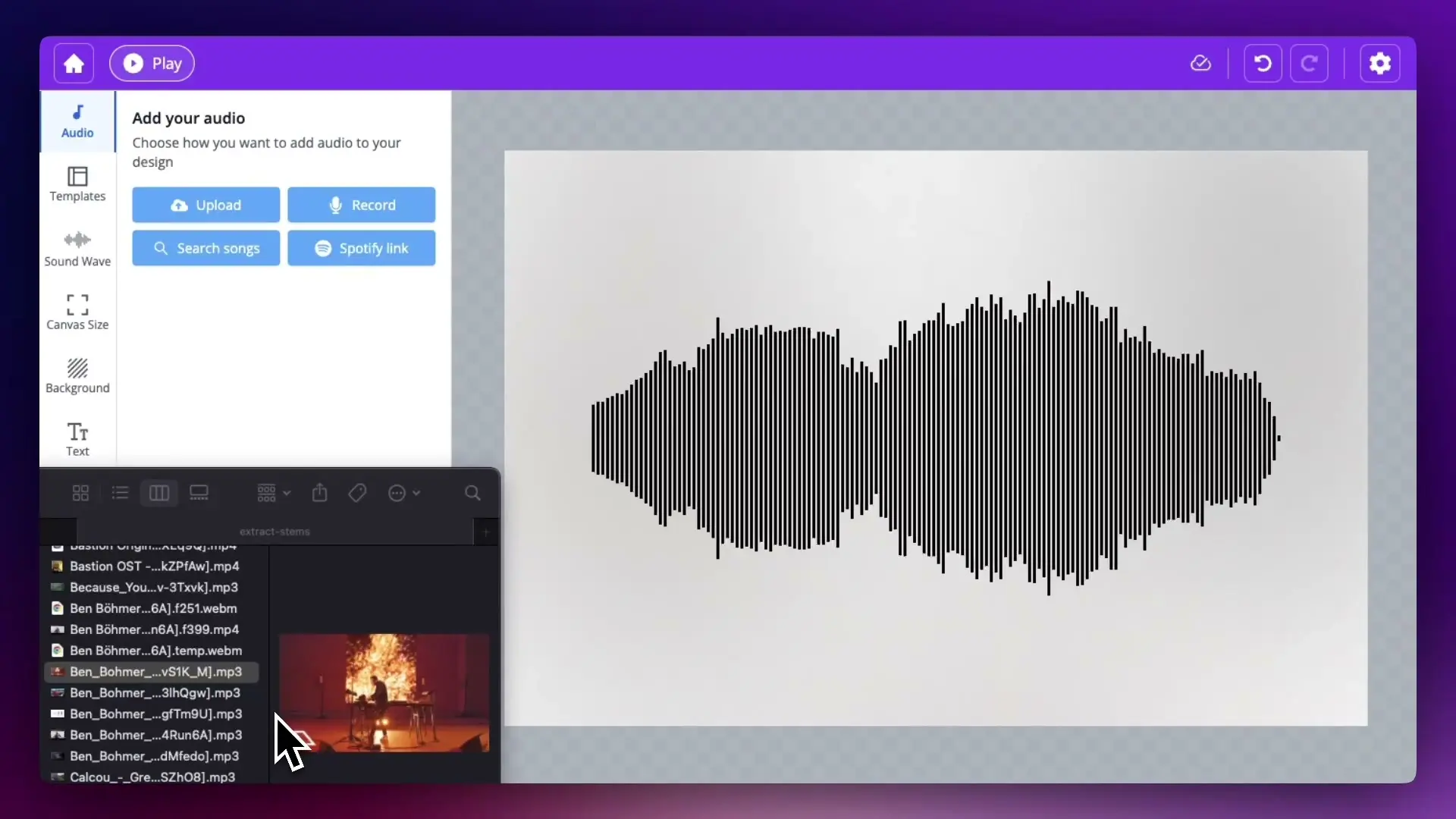

WaveVisual and Podsqueeze
Podsqueeze facts are from its public page. Check their site for current terms.
- Audio you can use
- WaveVisualUpload your episode or a clip, or record in the browser. Video needs your own audio file, not a Spotify song.
- PodsqueezeUpload an episode, then pick a chapter to turn into a clip or audiogram.
- Captions
- WaveVisualAutomatic transcription in the editor. Edit the text and timing of each caption, and the captions export in the video.
- PodsqueezeEdit the subtitles to fine-tune a clip, and trim it by removing words.
- Video files
- WaveVisualMP4 at 1080p and 60fps, plus GIF, WebM, and MOV. Square, vertical, and widescreen canvases.
- PodsqueezeClips and audiograms for TikTok, Instagram, and YouTube Shorts.
- AI and publishing
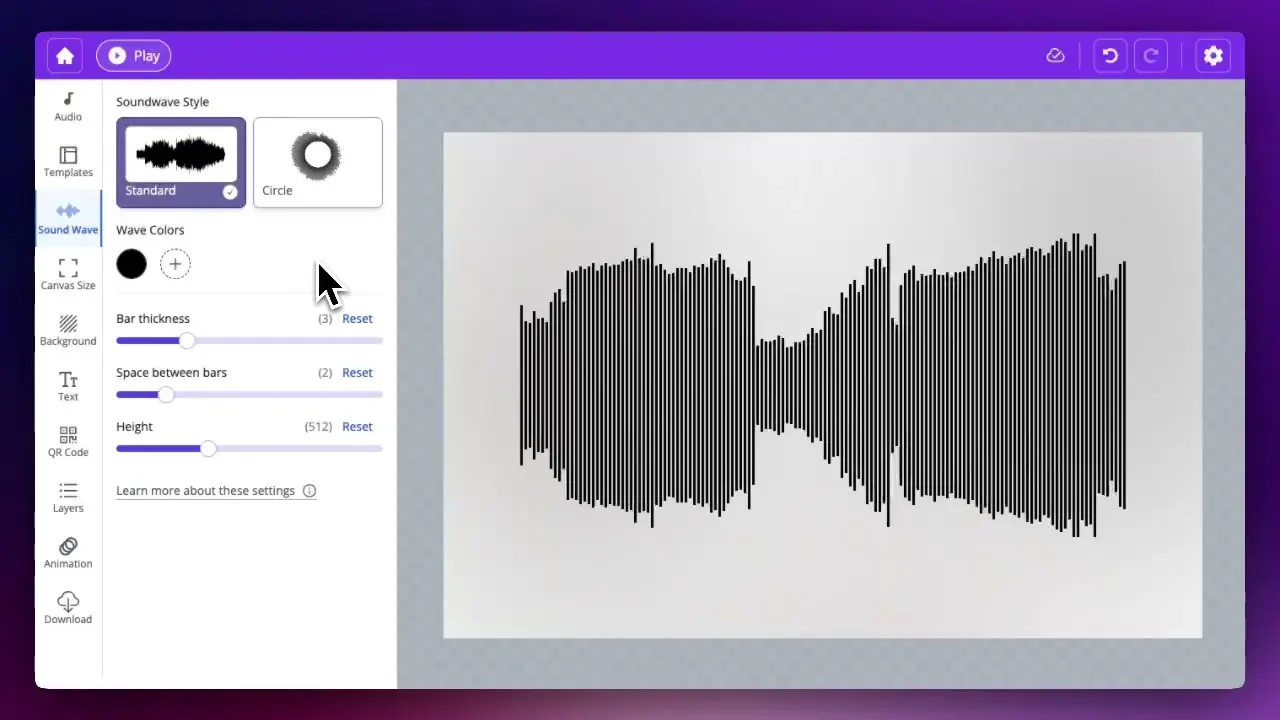
- WaveVisualYou design each video yourself: waveform style, colours, text, and images. WaveVisual does not pick clips with AI or post to social media for you.
- PodsqueezeAI shortens each chapter to under 60 seconds, and writes transcripts, summaries, and show notes.
- Price
- WaveVisualFree to design. $9.00 per download, or a subscription for many videos.
- PodsqueezeFree plan. Starter $5.99/month and Pro $35/month, billed annually.
Choose Podsqueeze if
- You want transcripts, summaries, and show notes for every episode.
- You want AI to cut each chapter to under 60 seconds.
- You want a low monthly plan for a whole podcast workflow.
Choose WaveVisual if
- You want to control the waveform, colours, text, and layout of each video.
- You need one video up to 60 minutes long.
- You want to pay per download instead of a monthly plan.
- You want to preview the whole video for free before you pay.
Audiogram tools
Each name links to that tool. Facts are from their public pages.
- Podsqueeze
Transcripts, show notes, and summaries, with clips and audiograms made from episode chapters. Free plan; paid plans from $5.99/month billed annually.
- Headliner
Free plan with 1 unwatermarked audiogram a month. Basic $7.99/month and Pro $19.99/month, billed annually. Auto-creates audiograms for new episodes and posts them to social media and YouTube.
- Wavve
Audiograms with waveforms, templates, and captions, plus AI hot spots and a social scheduler. Plans from $9.99/month with monthly upload and export limits. Part of Disctopia.
- Recast Studio
An AI video editor for marketing teams: clips, audiograms, captions, show notes, and direct posting to social media. Free trial with 60 credits; paid plans from $14/month.
Podsqueeze, Headliner, Wavve, and Recast Studio are trademarks of their owners.
Frequently asked questions
Help articles: audio sources and Spotify · video export (formats and licensing)
Pricing
One-off
Single order
$9.00 / design
- Maximum image quality for printing (300 DPI)
- Link and QR code to your audio and sound wave
- All file formats (PNG, JPG, SVG, PDF, MP4 at 60fps, GIF, WEBM, MOV)
- Commercial license
Best value
Subscription
Unlimited
$14$29/ month
- Everything included in Single order
- Unlimited* digital orders per month
- Videos with transparent-background overlays
Pay-as-you-go
Credit pack
$39 · 100 credits
$0.39 per design · volume discount
- Everything included in Single order
- Credits never expire
- 1 credit = 1 design
- Volume discount built in
Design the audiogram, then export
Open the editor with your episode file. Pay when you download.
Start Designing